
Candidates' observers
Observer's guide
Monitor the online vote as in a polling station: opening, turnout register, check calls, recount of the ballot box, statement.
Key points
- 1At opening: the ballot box is empty and the voter list is locked by a fingerprint.
- 2During the vote: each voter is on the list, only once; you call voters drawn at random.
- 3At closing: you download the anonymous ballot box and recount it yourself.
- 4You certify, or you state reservations: your statement is included in the official report.
1Your role
You represent a candidate. Your mission: make sure that only registered members voted, each of them only once, and that the count is correct. You never see who a voter voted for.
| At a paper polling station | In the online vote |
|---|---|
| The empty ballot box is shown before the first vote. | Sealed opening: 0 voters, 0 ballots, fingerprint of the voter list. |
| Each voter signs the register. | Checked turnout register: voter on the list, time, code channel, never the choice. |
| The polling officer recognises the voters. | Check calls: you call voters drawn at random. |
| Public counting of the votes. | Anonymous ballot box that can be downloaded and recounted, sealed by its SHA-256 fingerprint. |
| Signing of the official report. | Statement or reservations, included in the official report. |
2Your observer account
The Commission creates your account at the request of the candidate you represent.
- 1You receive an e-mail “activate your account”: open the link and choose your password.
- 2Sign in through the Commission link at the bottom of the website (camco.allcommunity.online/commission/connexion) with your e-mail and password, then the security code you receive by e-mail.
- 3Open Ballot and results → Vote monitoring and observers. At the top, the page shows the candidate you represent.
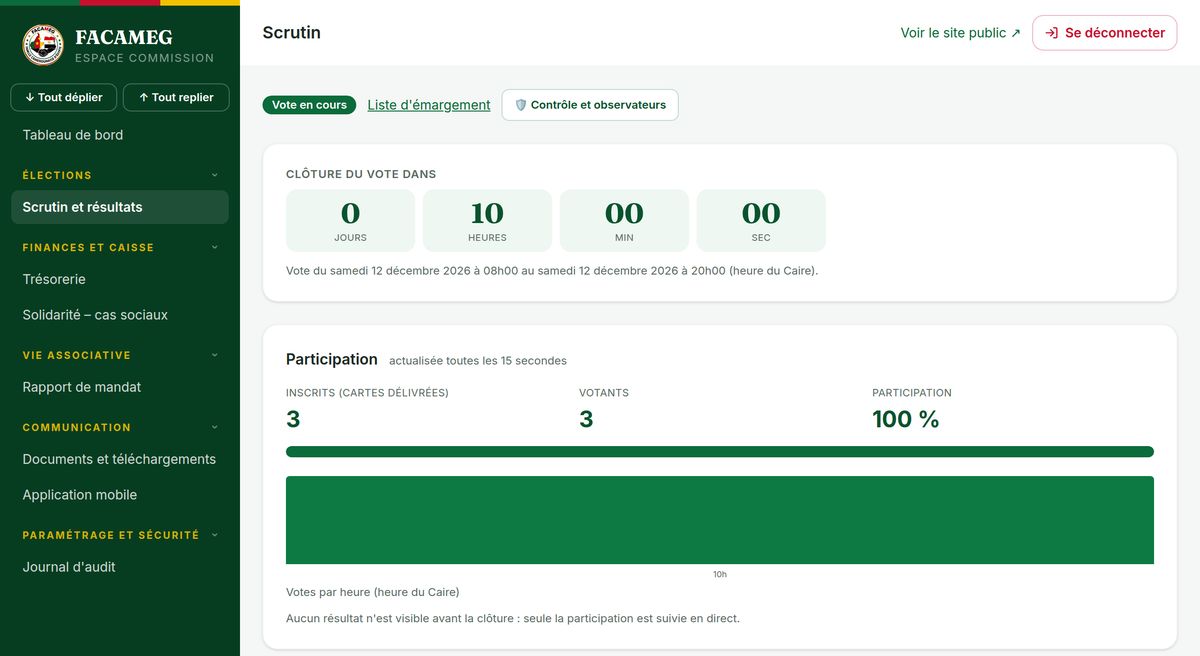
3Opening: the ballot box is empty
The opening is sealed automatically just before the first vote (or by the Commission at 8 am). The page shows the time of sealing, the number of registered voters, 0 voters and 0 ballots, and the fingerprint of the voter list.
- Check that “Voters” and “Ballots” are at 0 at the time of sealing.
- Check the message “The voter list has not changed since opening”: any registration or change after opening would change the fingerprint and would be flagged.
- If everything is in order, save your opening statement (see “Statements and reservations”).
4The turnout register: who voted
Each vote creates a line in the turnout register: voter, member number, card number, time, code channel (WhatsApp or e-mail). The choice never appears in it.
- The counters voters / registered, not on the list and double vote are recalculated each time the page is shown. The last two must stay at 0.
- Download the list as PDF or CSV (opens in Excel) at any time, or view it online.
- Compare it with the final voter list published on 21 November if you wish.
5Check calls
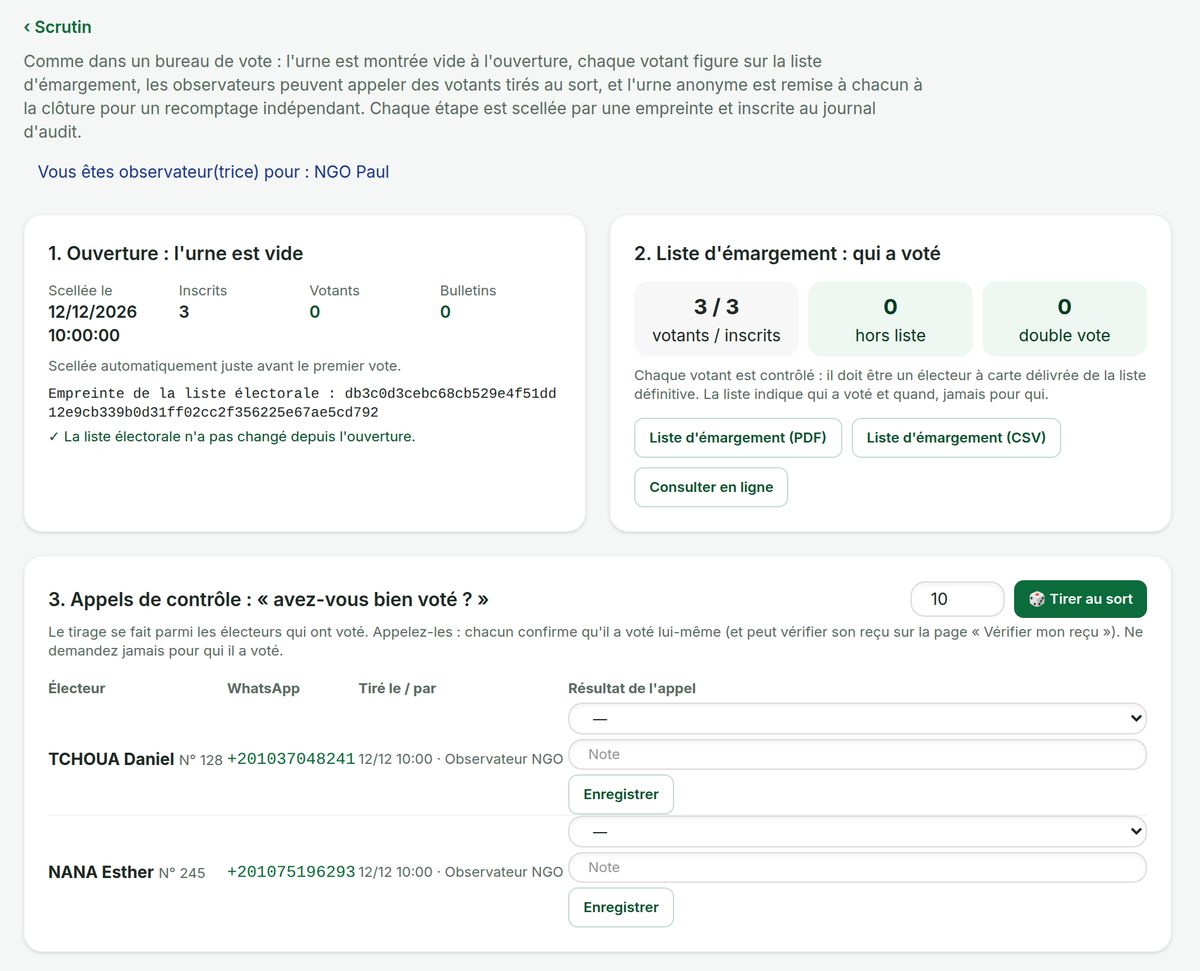
This is like the polling officer who recognises the voters: you check with voters drawn at random that they really voted themselves.
- 1Enter a number (1 to 50) and tap Draw at random: the draw is made among the voters who have already voted.
- 2Call each voter drawn on the WhatsApp number shown.
- 3Only ask: “Did you vote yourself today on the platform?”; they can also check their receipt on the “Check my receipt” page.
- 4Save the result: Confirmed they voted, Unreachable or Says they did not vote, with a note if needed.
6Closing: the anonymous ballot box and the recount
At 8 pm, voting closes. The anonymous ballot box can then be downloaded: one ballot per line (random identifier, position, choice, fingerprint, integrity), with no name and no time. It is sealed by its SHA-256 fingerprint at the first download.
- 1Tap Download the anonymous ballot box (CSV).
- 2Open the file in Excel (or Google Sheets): the separator is a semicolon.
- 3Filter the “poste” (position) column, then count the lines for each “choix” (choice) (filter or pivot table).
- 4Compare your figures with those shown by the platform and with the official report: they must be identical.
- 5Check that the total number of ballots for each position equals the number of voters in the turnout register.
certutil -hashfile Urne.csv SHA256; on Mac or Linux, shasum -a 256 Urne.csv. The result must be the one shown on the page and in the official report. The page also shows “Ballot box identical to the sealed one”.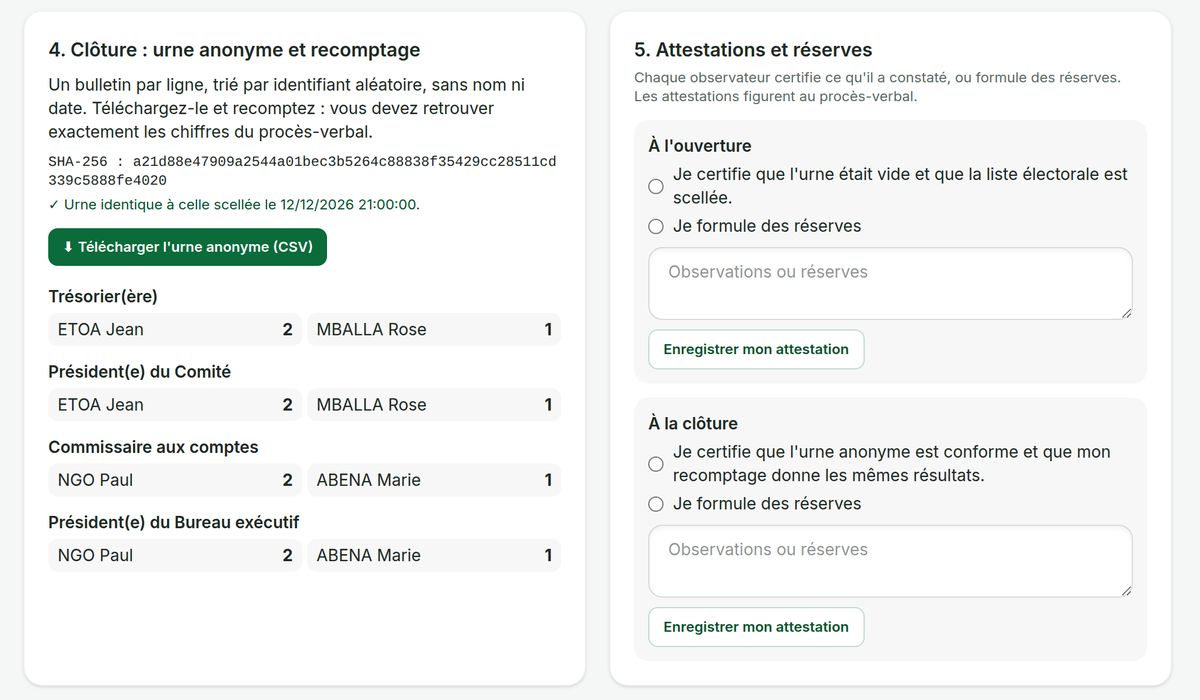
7Statements and reservations
You sign digitally what you have observed, at two moments.
| Moment | You certify… | Or you state reservations |
|---|---|---|
| At opening | that the ballot box was empty and that the voter list was sealed. | text required: what you observed. |
| At closing | that the anonymous ballot box is in order and that your recount gives the same results. | text required: difference, disputed call, incident… |
Each statement records the fingerprint in force at that moment. You can change it; only the latest version counts and appears in the official report.
8The official report
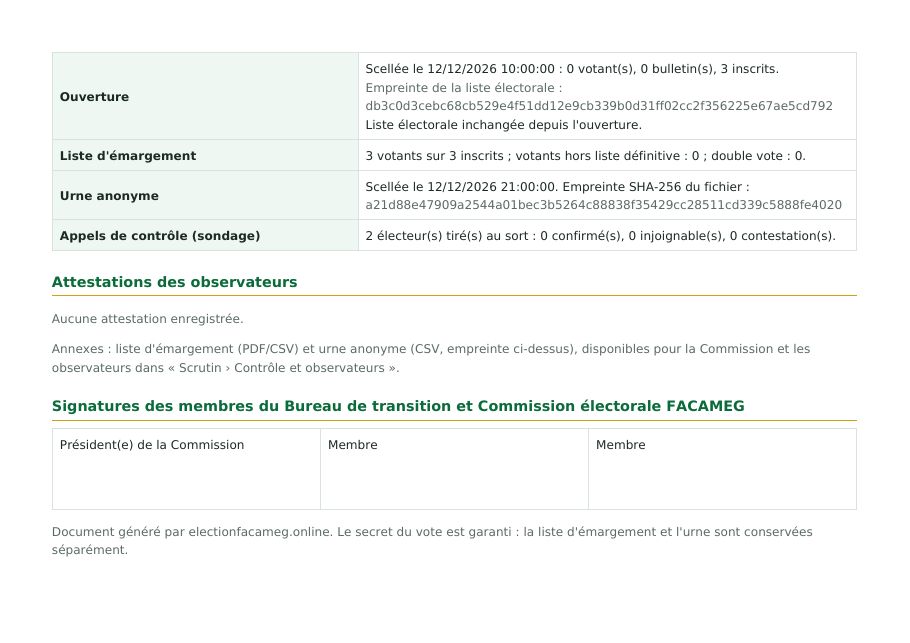
The official report of the vote includes an Online vote monitoring section: sealed opening and fingerprint of the list, turnout register (voters, not on the list, double votes), anonymous ballot box and its fingerprint, results of the check calls, and all the observers' statements and reservations.
9Confidentiality and ethics
- You see personal data (names, numbers): it stays confidential and is used only for monitoring.
- You cannot change anything, and you must never ask a voter for a code or for their choice.
- All your actions (views, downloads, draws, statements) are recorded in the audit log.
- What the monitoring proves: the voters are members on the list, each of them only once, and the count is correct. What it cannot prove: that a member did not give their code to someone else. This is why the check calls are important.
10Help and contacts
CAMCO Electoral Committee — WhatsApp and calls: +20 114 684 6864 · E-mail: info@electionfacameg.online · Official website: camco.allcommunity.online. App support: WhatsApp group “CAMCO App — Mutual help & Assistance” (“More” tab in the app).
Edition of 15 October 2026 (online votes, neighbourhoods and sponsorship)